Accessibility from the Canvas Course Menu
Canvas released a tool this year to assist in the identification and remediation of most accessibility issues at the course level in Canvas. This feature will continue to be developed by Canvas to assist users in making course content accessible, in part because of the new Department of Justice rule that will be in place in April 2027.
The Course Accessibility Checker
Most Canvas users are aware of the Canvas Accessibility Checker that can be accessed any time a user is editing content within the Rich Content Editor (RCE) area of Canvas. However, there is now an option to scan, review, and fix accessibility issues at the course level.
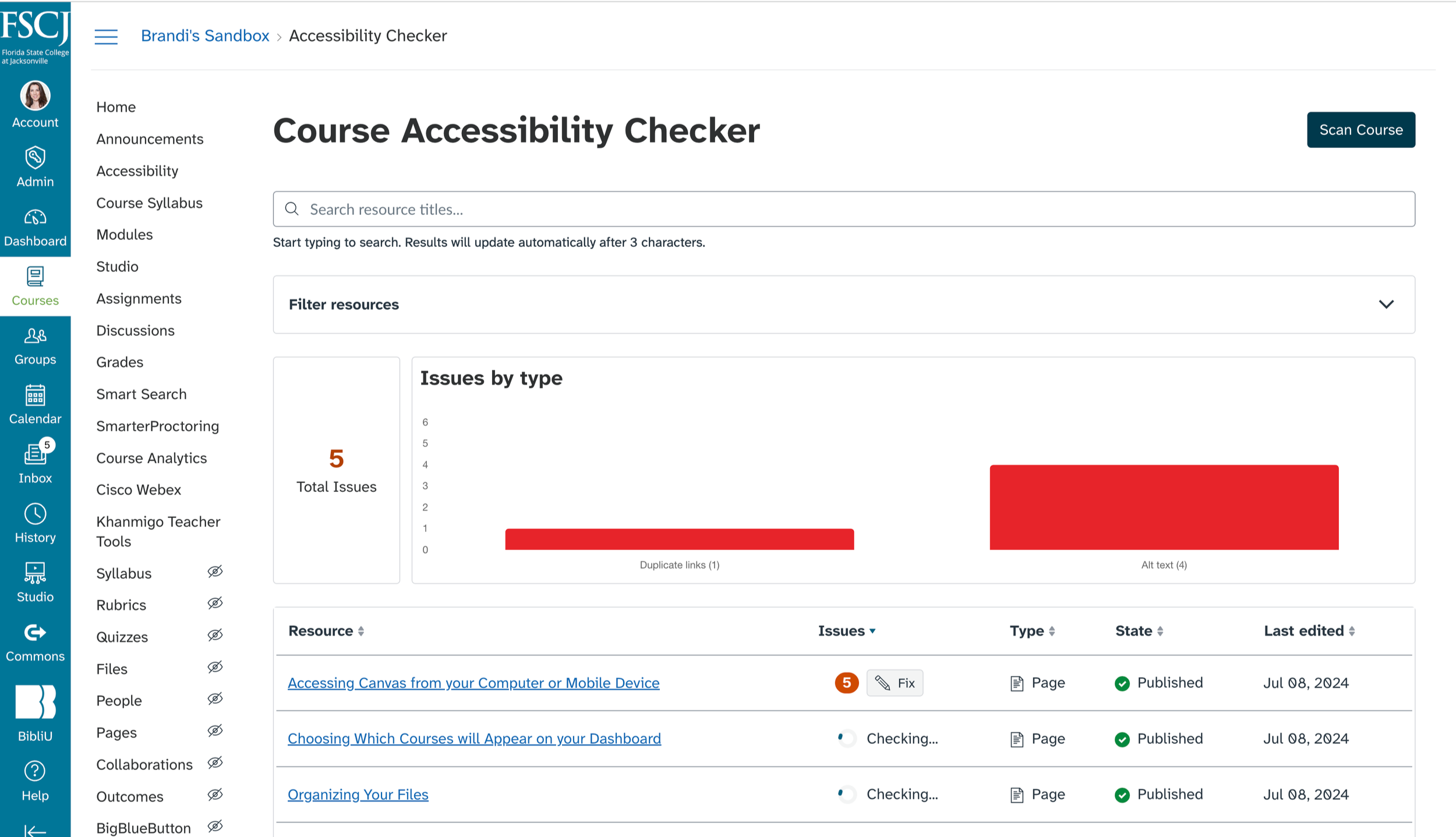
Visible only to instructors in the course and accessed from the course menu, the Accessibility link will first present an option to Scan Course. You may find the Accessibility link at the bottom of your course menu, above Settings. This initial scan goes through course content (only Pages and RCE-based Assignments at this point) and scans for the most common accessibility issues.
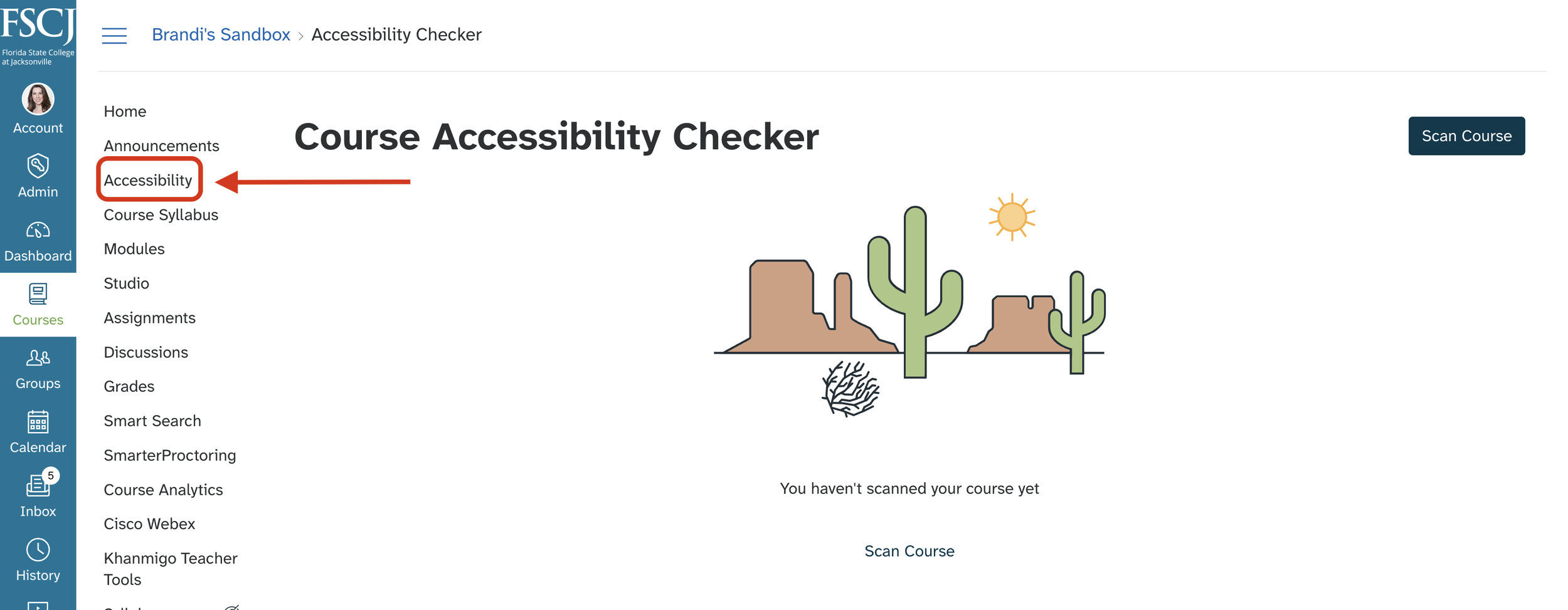
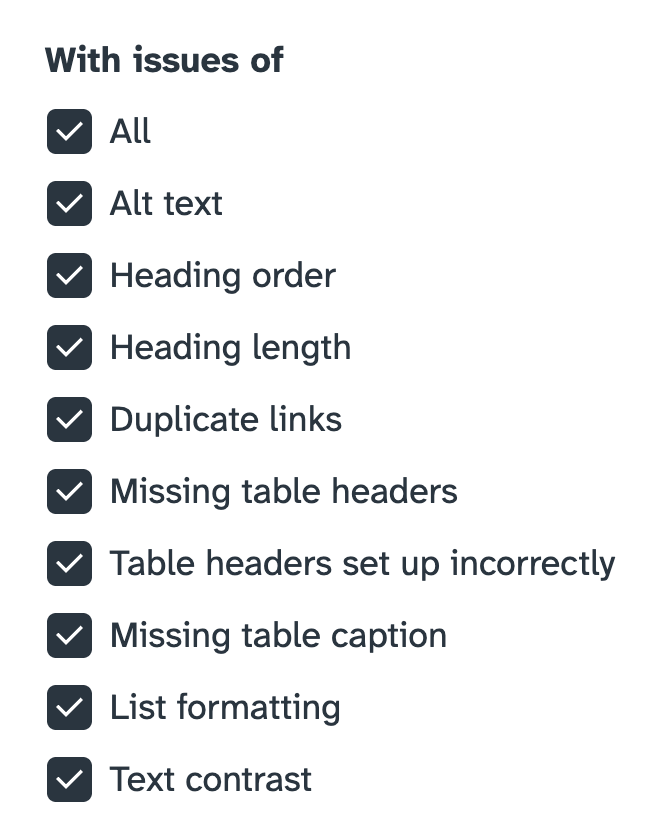
Once the scan is complete, the feature provides a course dashboard that lists any accessibility issues in the course by type, filtering options, where the issues exists, and a Fix button to review and remediate the issue.
Easily Fix Any Accessibility Issues
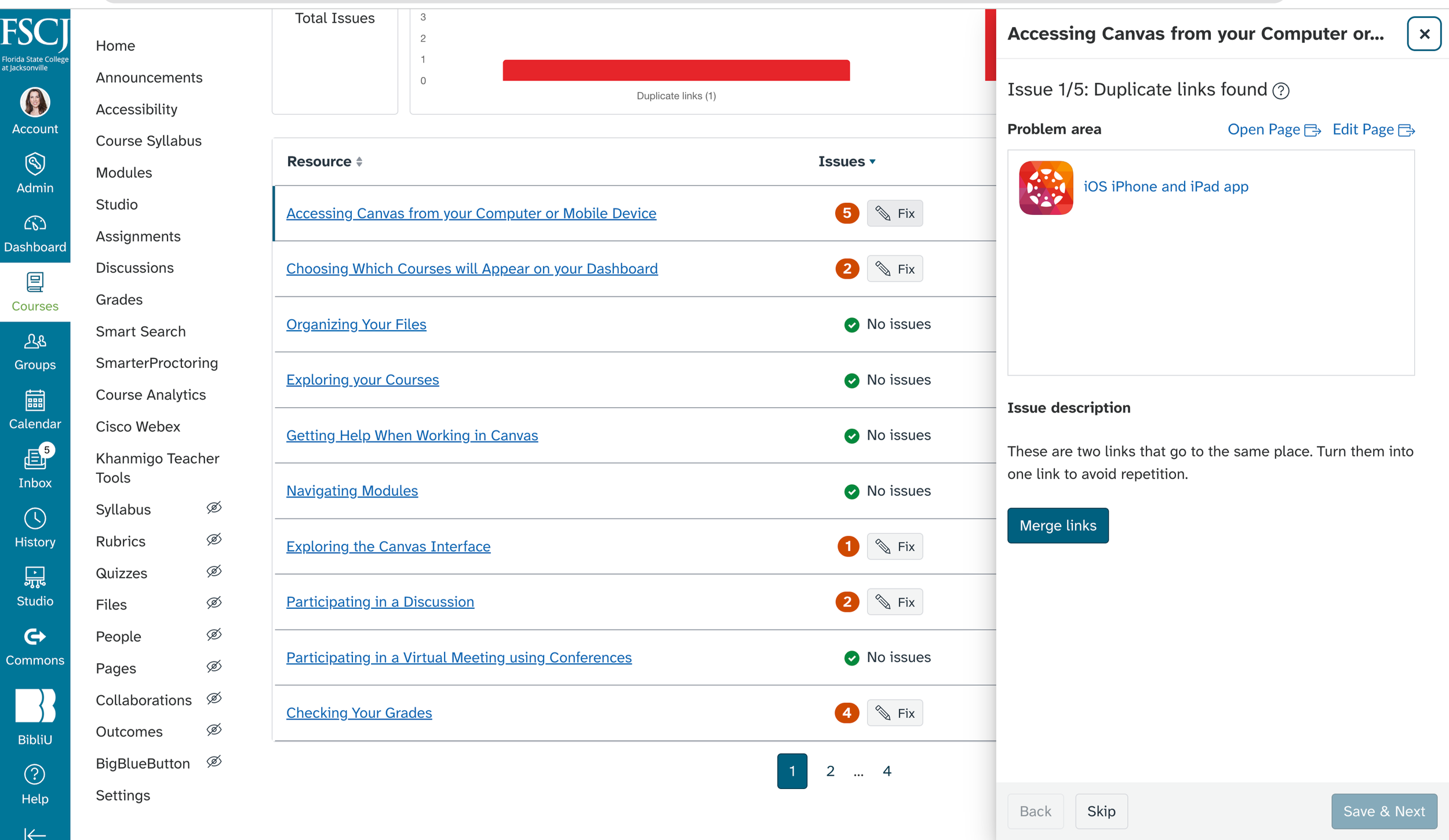
The Fix button will open a side bar window that will allow you to cycle through each issue along with an explanation of the issue and the option to allow the feature to fix the issue. Next to each identified issue you will find a link to Open Page or Edit Page as well. This will be helpful when you may need to review the context of the page to determine if the suggested fix is appropriate.
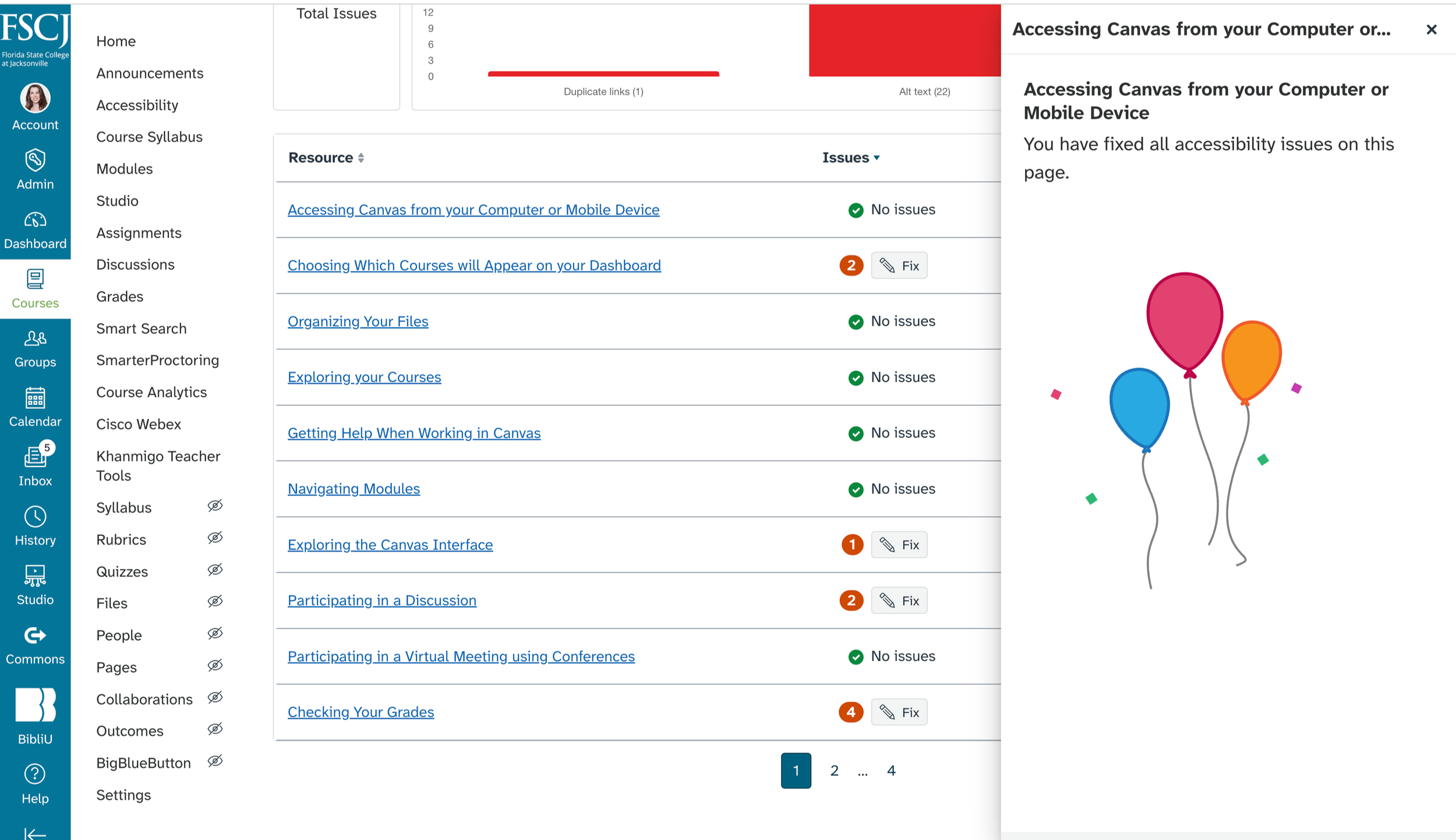
Once each issue is reviewed and remediated, you will see confirmation (and balloons!) that the issues on that page or section have been resolved.