

Beware of ClickFix: Fake CAPTCHAs That Can Install Malware
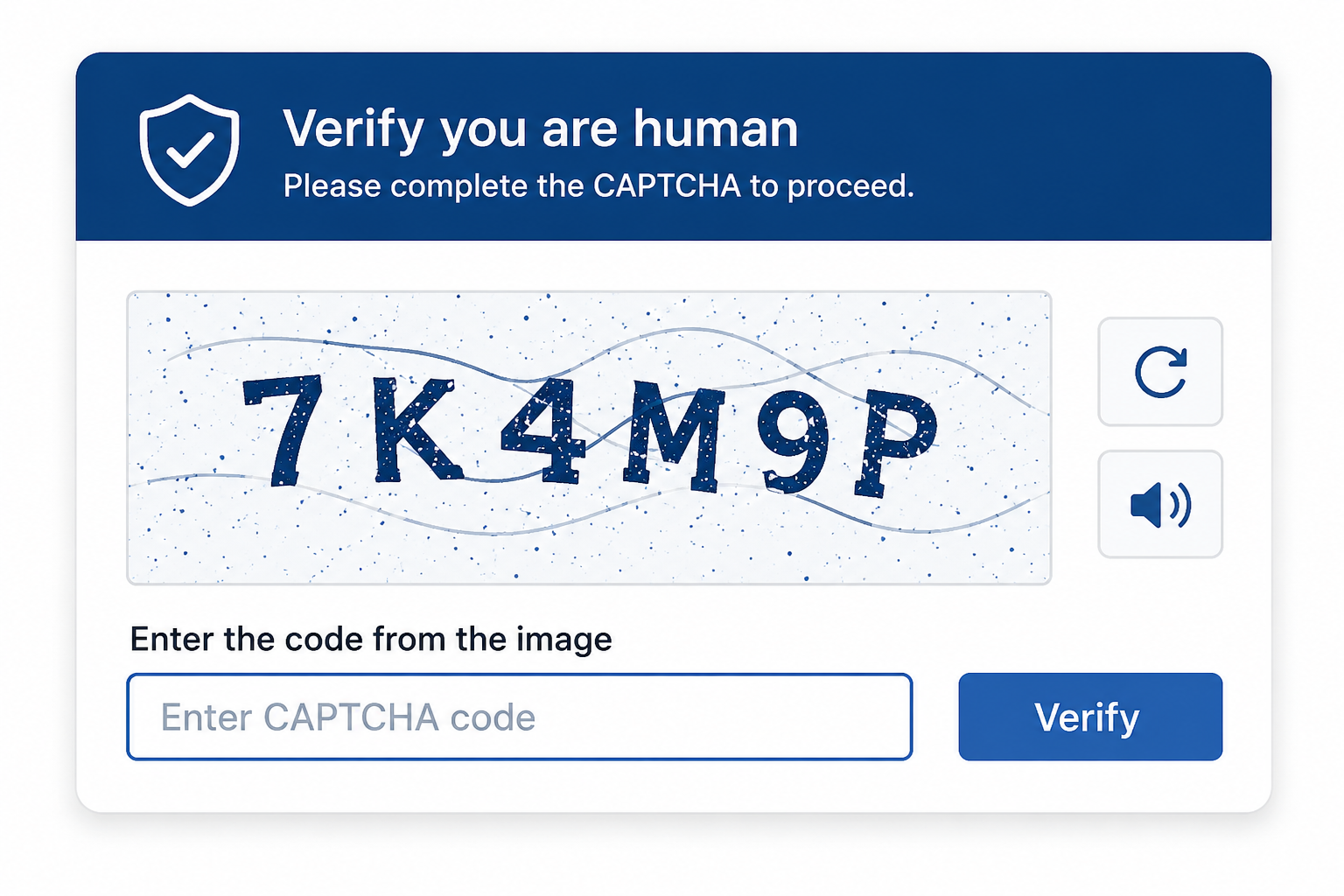
You have probably completed hundreds of CAPTCHAs while browsing the web. They're a normal part of signing in, submitting forms, or proving you're not a robot.
Cybercriminals are now taking advantage of that familiarity through a social engineering technique called ClickFix. Instead of trying to break into your computer, these attacks attempt to convince you to install malware for them. Fortunately, they're also easy to recognize once you know what to look for.
A legitimate website will never ask you to open Windows Run, Command Prompt, PowerShell, or Terminal and paste a command to verify your identity, fix an error, or complete a CAPTCHA. If you ever see instructions like these, close the page immediately.
What is a ClickFix Attack?
A ClickFix attack is a form of social engineering that tricks users into running malicious commands on their own computers. The attack often begins with what appears to be a legitimate message, such as:
"Verify you're human."
"Your browser needs an update."
"This document can't be displayed."
"Click here to fix a security issue."
After clicking the prompt, you're instructed to open a system tool, such as Windows Run, Command Prompt, PowerShell, or Terminal on a Mac, then paste text that has been copied to your clipboard. Instead of fixing a problem, that command downloads and runs malware.
Why These Attacks Work
Unlike many phishing attacks, ClickFix relies on the user to perform the final step. Because the malware is launched by the user, traditional security controls may not stop the attack before it begins. That's why awareness is one of the best defenses.
Warning Signs to Watch For
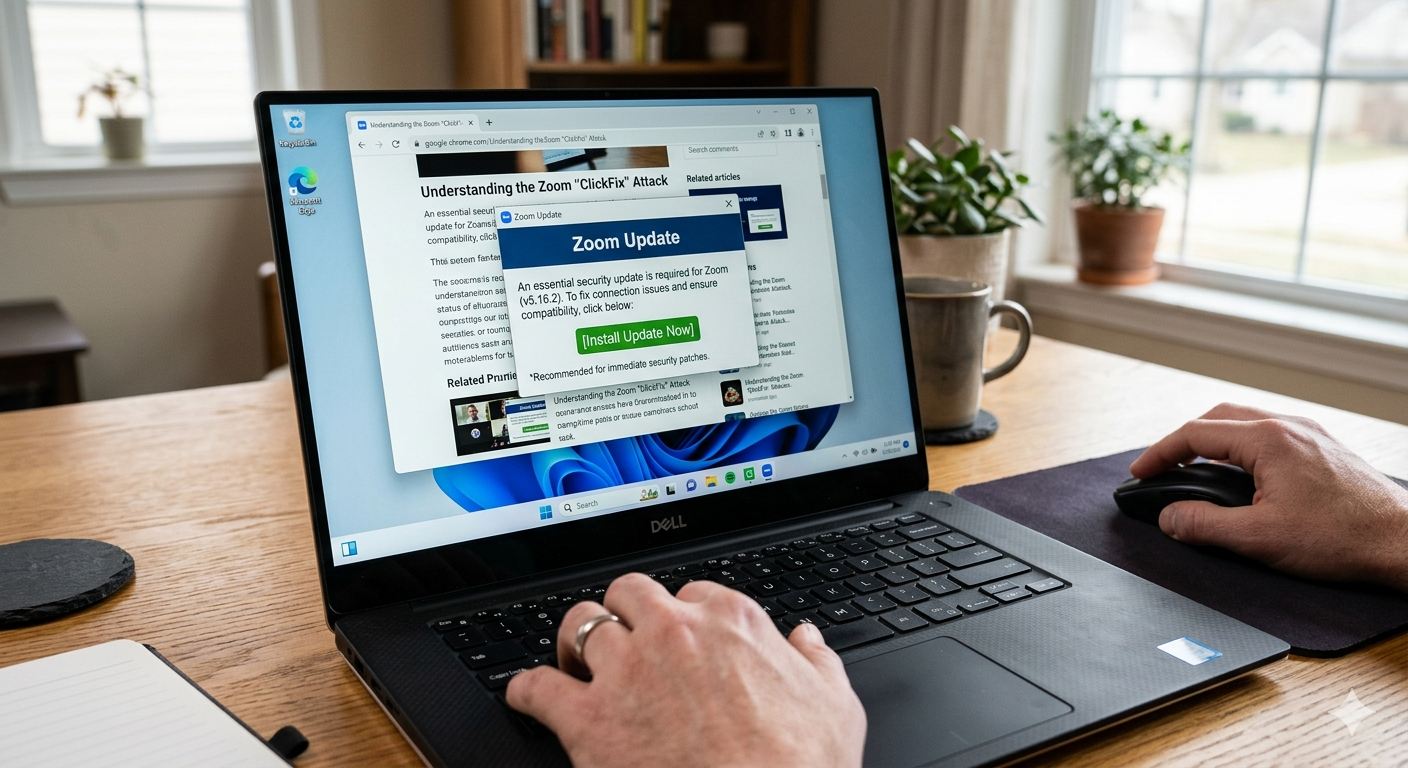
Be cautious if a website asks you to:
Press Windows + R
Open Command Prompt, PowerShell, or Terminal
Copy and paste a command
Download a "required" browser update from the webpage itself
Complete unusual verification steps before viewing content
These requests are not part of a legitimate CAPTCHA or browser verification process.
How to Protect Yourself
You can avoid nearly all ClickFix attacks by following a few simple practices.
Never copy and paste commands from a webpage into Windows Run, Command Prompt, PowerShell, or Terminal.
Install browser and software updates through the application's built-in update process or the vendor's official website.
If a webpage asks you to perform unusual steps before accessing content, close the page.
If something feels suspicious, trust your instincts and verify before proceeding.
If You Think You've Encountered a ClickFix Attack
If you accidentally followed one of these prompts or believe your computer may have been affected:
Disconnect from the suspicious website.
Do not continue following any on-screen instructions.
Contact the Technical Service Desk as soon as possible so the device can be evaluated. Reporting suspicious activity quickly helps protect both your device and College resources.
