

The first discussion tells you a lot about your students. It's where you find out who's engaging, who's drifting, and who might need a nudge. This year, Canvas offers a new AI-powered feature to help keep up with what students are saying, without reading every post. Here's a quick workflow that can help you get started:
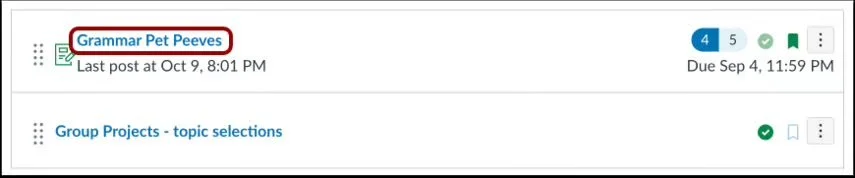
Step 1: Post the discussion. Same as always. Students reply, threads fill up.
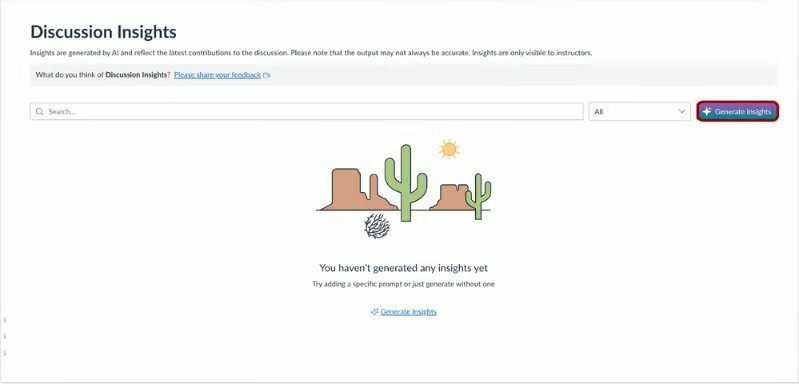
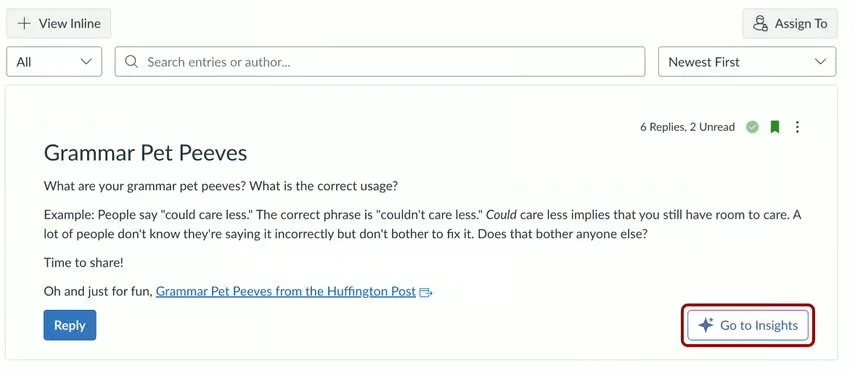
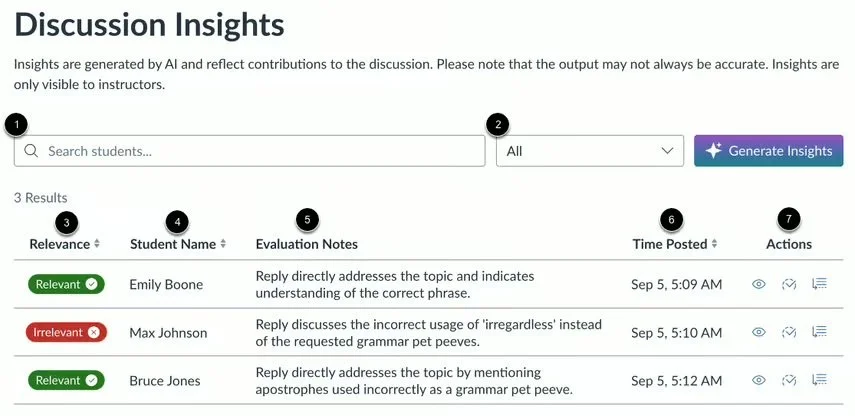
Step 2: Open Insights. Click Insights inside the discussion, then hit Generate Insights. It scans every reply and shows you what's on-topic, what drifted, and who might need a follow-up.
Step 3: Grade from there. Jump into SpeedGrader straight from the Insights dashboard, or filter by relevance to prioritize where you spend time. No more scrolling to find the replies that matter.
Note: Students can't see insights or any notes on their replies.
Review how to use Insights for Discussions within this Canvas Community page.
