

IT Cybersecurity
Spam vs. Phish
Spam is annoying. Phishing is dangerous. Knowing the difference can help protect your personal information, your accounts, and our campus.
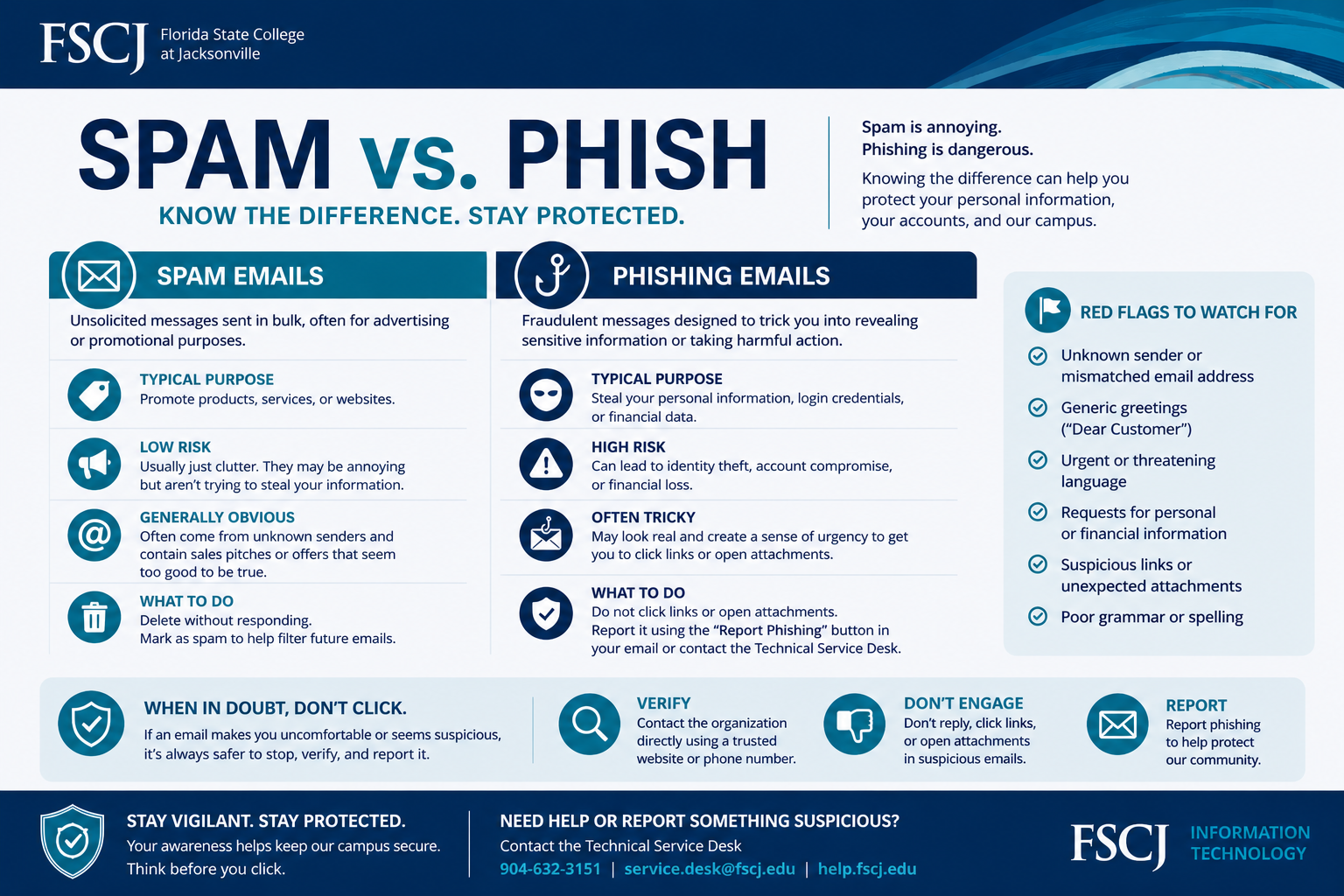

Red Flags to Watch for with Phish Emails:
Unknown sender or mismatched email address
Generic greetings (e.g., “Dear Customer”)
Urgent or threatening language
Requests for personal or financial information
Suspicious links or unexpected attachments
Poor grammar or spelling
-
Spam: Unsolicited messages sent in bulk, often for advertising or promotional purposes.
Phishing: Fraudulent messages designed to trick you into revealing sensitive information or taking harmful action. -
Spam: Promote products, services, or websites
Phishing: Steal personal information, login credentials, or financial data -
Spam: Low Risk - Usually just clutter, not trying to steal your information
Phishing: High Risk - Can lead to identity theft or account compromise
-
Spam: Generally obvious - Often from unknown senders with unrealistic offers
Phish: Often tricky - May look legitimate and create urgency
-
Spam: Delete without responding and mark as spam.
Phish: Do not click links or open attachments. Report suspicious emails with the Phish Alert Button in Outlook.