

IT Cybersecurity
Passwords/Passphrases
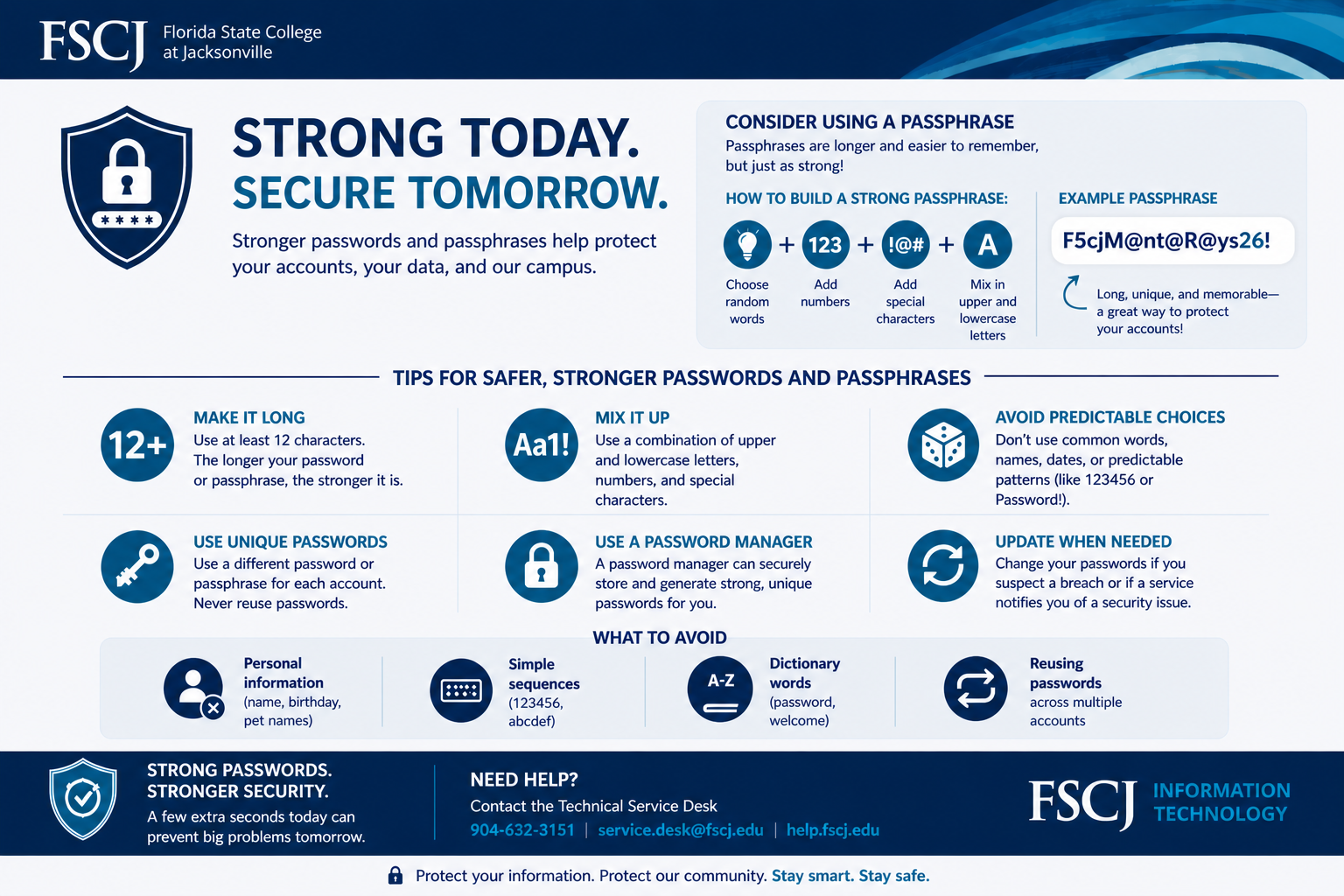
Stronger passwords and passphrases help protect your accounts, your data, and our campus.
-
Passphrases are longer and easier to remember but just as strong.
-
Choose random words
Add numbers
Add special characters
Mix upper and lowercase letters
-
F5cjM@nt@R@ys26!
Long, unique, and memorable. A great way to protect your accounts!
-
Make it long: Use at least 12 characters. The longer your password or passphrase, the stronger it is.
Mix it up: Use a combination of upper and lower letters, numbers, and special characters.
Avoid predictable choices: Don’t use common words, names, dates, or predictable patterns (like 123456 or Password!).
Use unique passwords: Use a different password or passphrase for each account. Never reuse passwords.
Use a password manager: A password manager can securely store and generate strong, unique passwords for you.
Update when needed: Change your passwords if you suspect a breach or if service notifies you of a security breach.
-
Personal information (names, birthdays, pet names)
Simple sequences (123456, abcdef)
Dictionary words (password, welcome)
Reusing passwords across accounts